Release
2019.01.001
Announced on

SpiceCRM 2019.01.001
Highlights of the January Release are updates on the search features, a new filter builder adding flexibility and reworks in many areas to start supporting full responsive design and the build of our mobile App.
Search Update
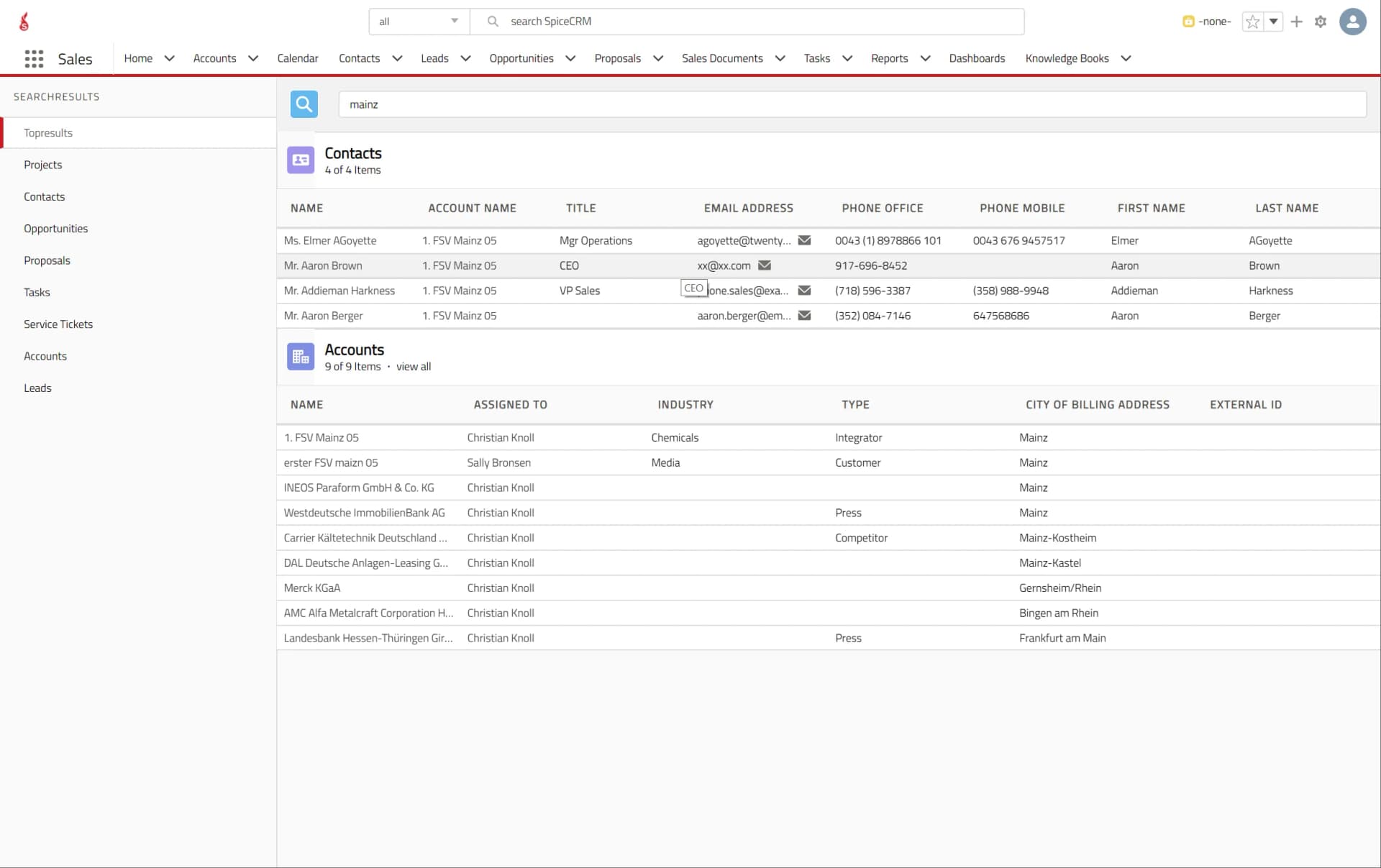
The search field at the top of SpiceCRM has been amended to enable the user to filer by module in the quick search already. Also the search results and global search dialog has been updated. When typing a search term SpiceCRM now searches automatically. The same is true for the search within a module. Also the search Results screen has been adopted to be responsive and support the capability to use it easier on tablets or phones.
Filter Builder
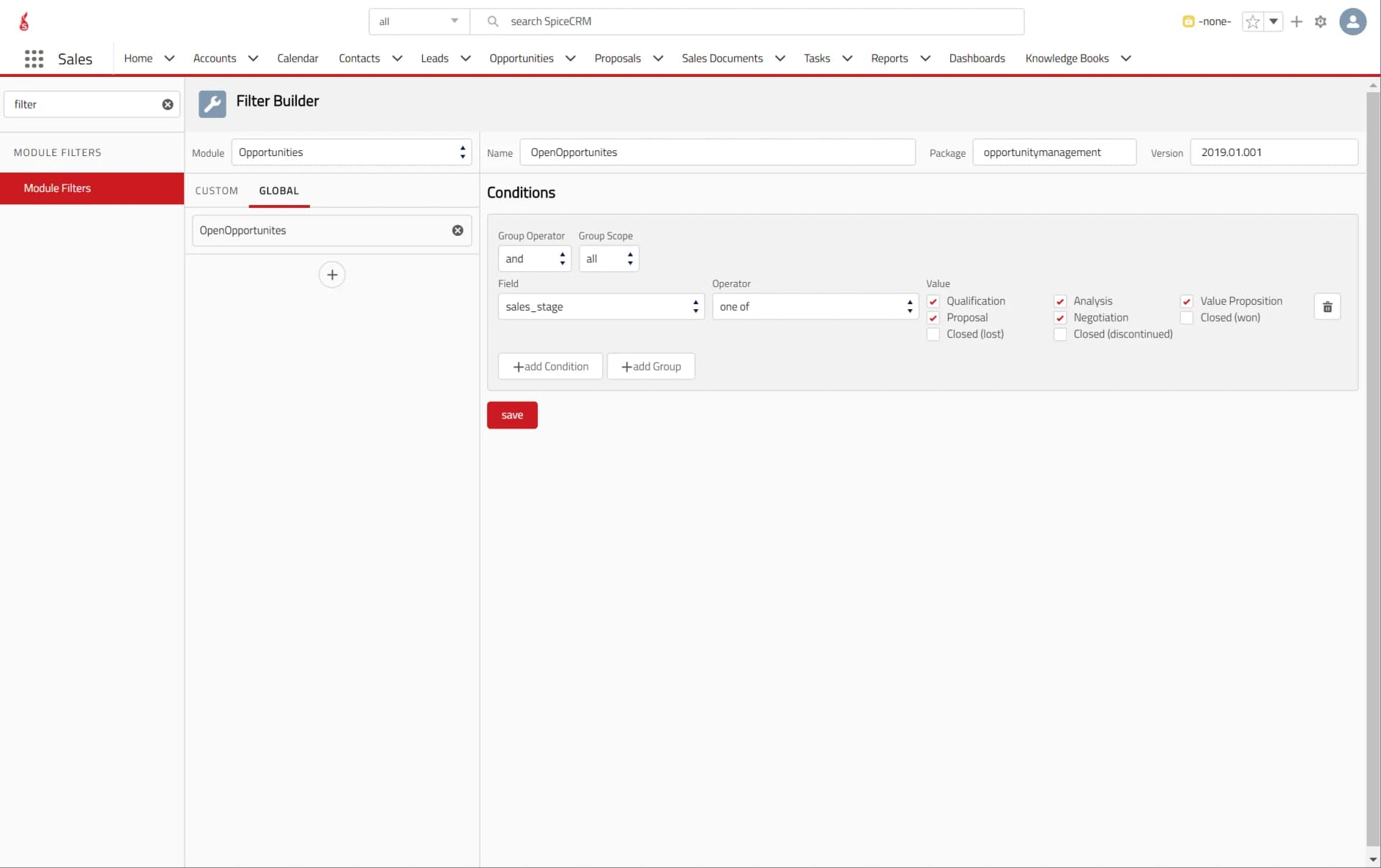
A new Filter Builder has been added that allows easy definition of Filters that can be used top create custom dashlets for the dashboard, customize Subpanels in Views and much more. It is a further step forward in our mission to make SpiceCRM the most flexible CRM platform we know and deliver a user focused UX that will drive unique customer experiences with a Team that can rely on a CRM platform to serve customers as best as they can.
Mobile App
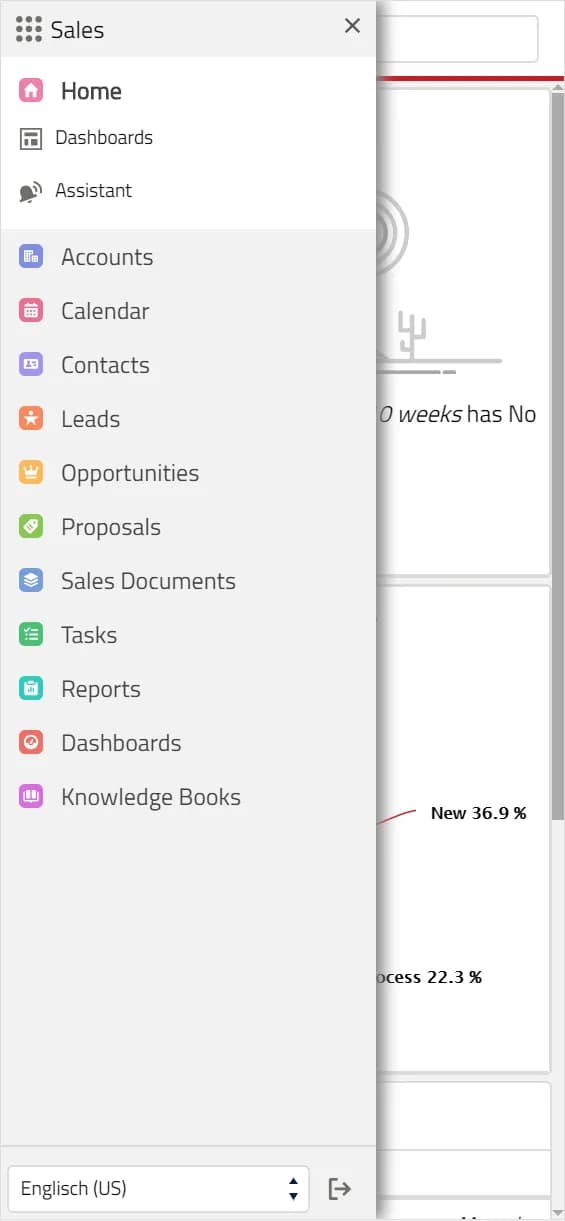
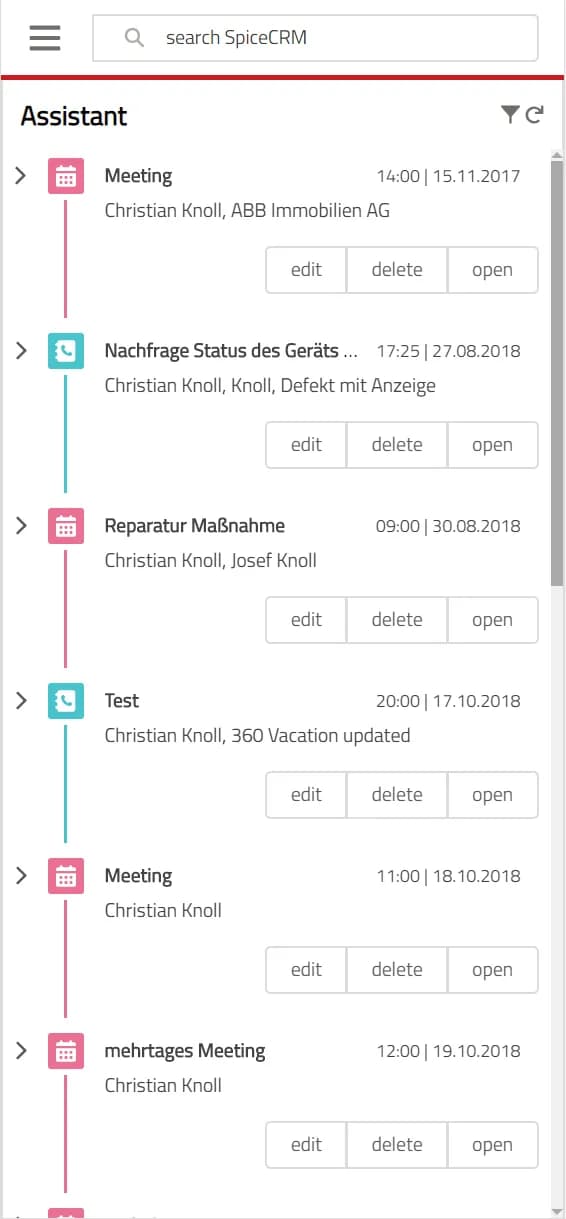
Those who follow the story how SpiceCRM was built know that we came from the mobile app. With the current release we are taking further steps to support mobile form factors and make SpiceCRM a “responsive designed” system that can be also used easily on mobile devices. That effort is still ongoing and will continue throughout the first half year 2019.
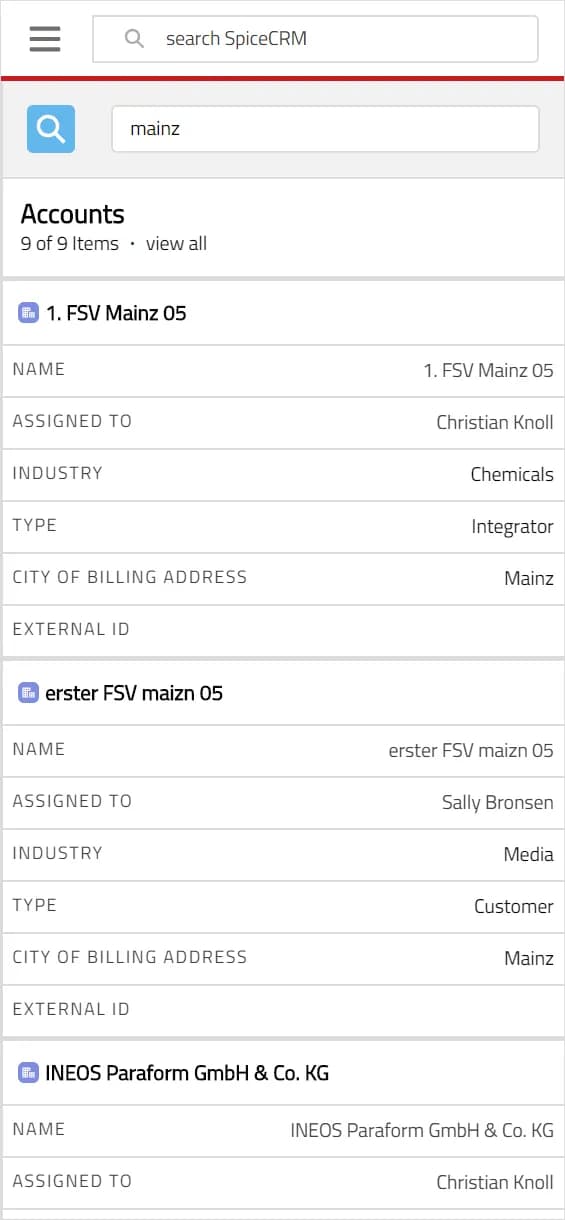
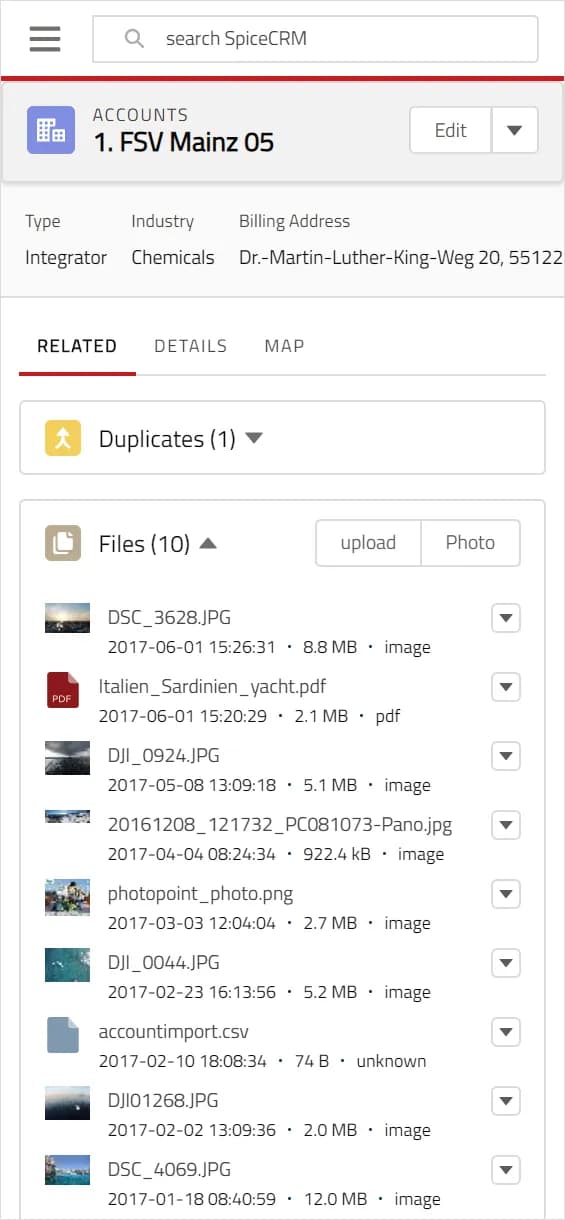
Technologically we also pushed to Angular 7.1 – which you should not notice but it is important to be compliant and in line with the latest standards when it comes to operability and it security. We also updated the Lightning Design to Release 2.8.0
The Release in Details
Add Fieldset to Object Page Header
added a fieldset to the component object page header so the display field in the page header of an object can be freely configured.
support for smaller screens on top header
- In the top header row in smaller screens the logo is removed. Components like admin and others are also removed to fit in the smaller screen size on mobile devices.
- On small screens (below a with of 768px the search field is also simplified and the module selector is removed.
responsive changes to search results
- also search results are changed in a first step to enable use on mobile devices and responsive design.
- If the screen with is medium or below the module selector is removed and the results take up the complete width.
Angular 7.1.3 update
update to Angular 7.1.3
Backend: consider loaded company logo in login screen
SpiceTheme ignores loaded logo in backend. Integrate check loaded image in login screen
Logging with Transaction ID
- added the unique transaction id to the log algorithms
- enable to track logs by transaction and roundtrip
CRM Log Viewer
built in viewer tools in the admin section to display logs
Load reference in backend core only
- changed logic so only core configuration can be loaded in the backend
- all further packages then to be loaded via the frontend package loader
Backend installation site_url config wrong if protcol is https
fix in the installation with https protocol so the backendurl is written properly
send error message when FTS has an overload
- react to error 429 on elastic
- send a toast to the user with the message that elastic has an overload
collapsible Subpanels
added functionality to collapse subpanels
Support for content packages in package loader
- added Support to also allow loading of content packages in the package loader. This enables to create packages with varying content that is not necessarily related to configuration of the system but simply adds data that is useful and speeds up the configuration process of the system. Typical examples are email templates, prebuilt dashboards, reports and other data.
- content package for email templates has been created
- content package for fts default settings has been created
FilterBuilder
- added the filter builder to the admin section
- added filters to dashlets
- added filters to subpanels
- added filters to relate fields
- added filters to popup relate containers
added Dashlet Manager
a new section in the admin area to manage and define dashlets that then can be easily used to build custom dashboards
config.php https option for ElasticSearch
- added optional protocol for the elastic settings
- useful if elastic is running on https protocol
Dashboard changes for responsive Design
- separation of Assistant pane to only show on wide screens
- for smaller screens render assistant as part of the Home Module Menu
- render dashboards in a vertical grid on small screens
- added menu to dashboard module rather than selection pane on smaller screens
Improvements of Global Search
- improved the global Search Field to allow search filtered by module.
- separated the global search in the header and the global search in the route.
- enhanced the global search results to a better design and cleaned up.
Questions about this version? Write to us.